
August 5, 2026 · 8 min read
How to Convert a PDF to Word and Actually Keep the Formatting
Why PDF-to-Word conversions come out messy, which documents convert cleanly, and a realistic workflow for getting editable text out of any PDF — including scans.
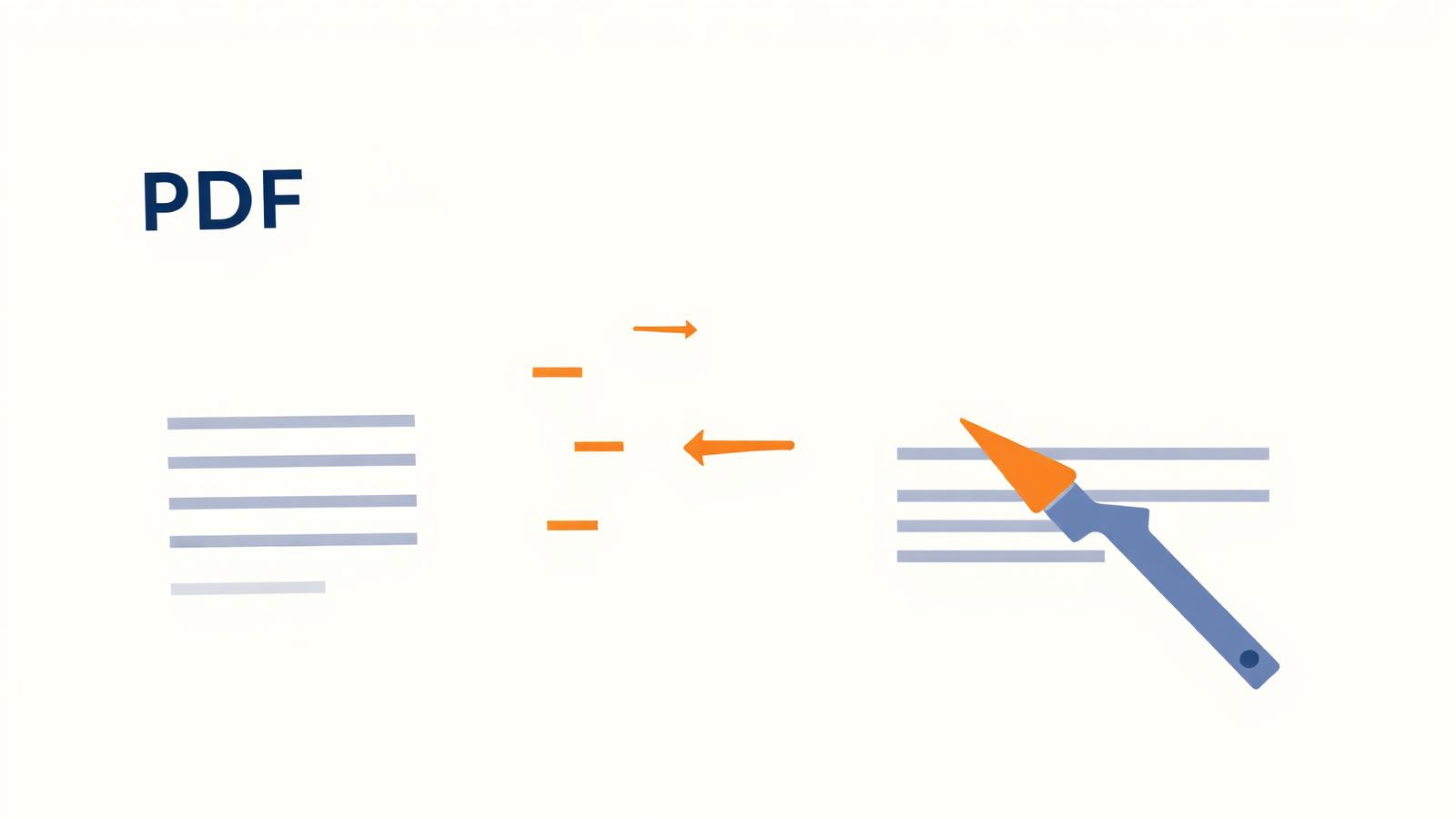
Everyone has had this moment: you open a converted PDF in Word and the text is there, but the columns have collapsed, the table is a pile of tab characters, and every third line has a stray break in it. That is not a bug in the converter. It is the honest consequence of what a PDF actually is.
Why the formatting breaks
A Word file describes intent: this is a Heading 2, this is a bulleted list, this table has four columns. A PDF describes appearance: draw this glyph at these coordinates in this font at this size. The paragraph structure was thrown away when the PDF was made.
So a converter has to infer structure back from geometry: glyphs on the same baseline are probably a line, lines with consistent spacing are probably a paragraph, a repeating grid of short cells is probably a table. On a clean single-column report those heuristics are close to perfect. On a magazine layout with pull quotes and floating captions, they are guesses.
Which PDFs convert well
- Converts almost perfectly: single-column reports, letters, contracts, invoices, anything exported from Word in the first place.
- Converts with light cleanup: two-column documents, simple tables with visible ruled lines, documents with headers and footers.
- Converts badly: magazine and brochure layouts, slides exported to PDF, forms with overlapping fields, anything where text is set in text boxes at odd angles.
- Does not convert at all without OCR: scans and photos of documents — there is no text in the file, only pixels.
The practical workflow
- Check whether the PDF has real text: open it and try to select a sentence. If the selection highlights individual words, it is text-based. If you can only draw a box over the whole page, it is a scan.
- Text-based: run it through PDF to Word and open the result.
- Scanned: use PDF to Word (OCR) instead, which recognises the characters first. Expect to proofread numbers and proper nouns.
- Only need the words, not the layout? PDF to Text gives you clean plain text with none of the reconstruction artefacts.
- In Word, turn on formatting marks (¶) before you start fixing anything. Most of the mess is stray line breaks and manual spacing that are invisible until you can see them.
Five-minute cleanup that fixes most documents
- Find and replace double spaces with single spaces, twice.
- Replace manual line breaks inside paragraphs (^l) with nothing, then re-space paragraphs with paragraph styles rather than empty lines.
- Select all and reset the font to one family — converters often embed three near-identical fonts.
- Rebuild tables rather than repairing them. Pasting the cell text into a fresh Word table is faster than nudging a broken one.
- Apply real heading styles as you go, so the document is navigable and accessible afterwards.
Tables and data: use the right export
If what you actually need is the numbers rather than the document, do not go through Word at all. PDF to CSV pulls tabular data straight out into a spreadsheet-ready file, which is far more reliable than converting to Word and copying cells by hand.
A note on privacy
Most free PDF-to-Word services upload your document to a server, convert it there, and hold it for some retention window. For a contract, a payslip or medical paperwork, that is a real disclosure. Browser-based conversion avoids the question entirely: the file is parsed in your own tab and never transmitted.
Frequently asked questions
- Why does my converted Word file look nothing like the PDF?
- The PDF almost certainly uses a complex layout — columns, text boxes, or floating elements. Converters reconstruct structure from glyph positions, and complex layouts give ambiguous signals. Simple single-column documents convert far more faithfully.
- Can I convert a scanned PDF to an editable Word file?
- Yes, but it needs OCR to recognise the characters in the image first. Use the OCR variant of the converter and proofread the result — digits, names and unusual spellings are where OCR errors cluster.
- Is converting a PDF to Word free?
- Browser-based conversion here is free with no sign-up and no watermark, because the work happens on your own device rather than on a paid server.
- Which is better: PDF to Word, or PDF to Text?
- If you need to edit a document that should keep looking like a document, use PDF to Word. If you just need the wording — to quote, translate or re-typeset it — PDF to Text is cleaner and has no layout artefacts.